How I organize my thoughts, studies, and notes with Obsidian
- December 23, 2025
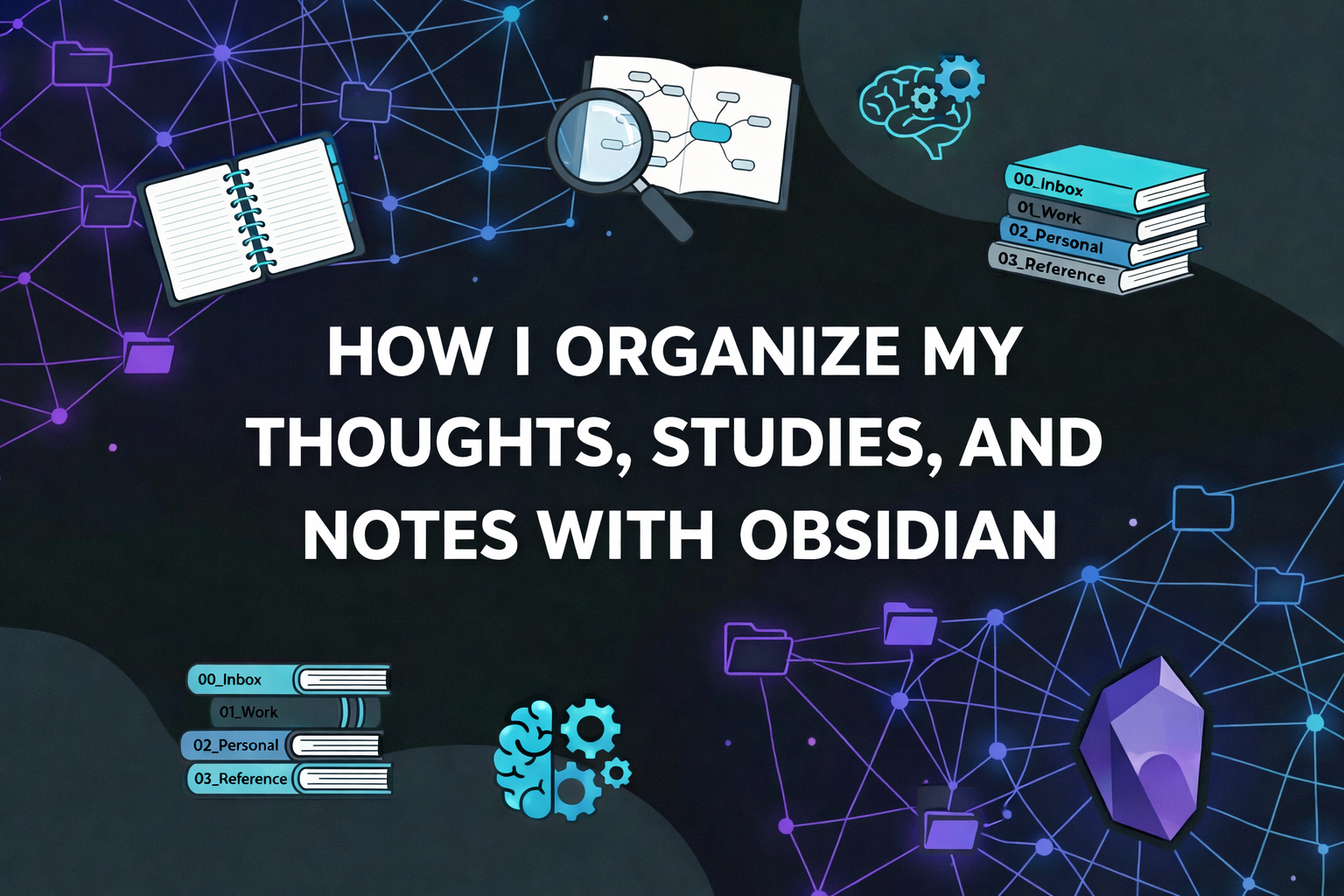
After some time using Obsidian, it became clear to me that it would not work with any ready-made structure or predefined intranet model. If I made it too complex, usage would become heavy and I would eventually stop using it. If I made it too simple, it would turn into just another note-taking app. Obsidian lives somewhere else. It feels closer to an operating system for thinking. And that completely changes how you organize files. It is not about creating the perfect taxonomy, but about reducing friction, preserving context, and allowing ideas to mature over time.
The structure I use today was built out of necessity. Nothing was designed upfront. Every directory exists because some kind of discomfort appeared before. When something starts to take too much effort, that is usually a signal that it needs to become structure.
At the beginning, this was confusing. I had to organize myself inside something that is not a traditional notes app and not just a simple file directory either. That ambiguity makes organization and taxonomy less obvious, and it can feel unnecessarily complex at first. My system starts with 00_Inbox. This directory exists so I do not have to think. Anything that comes up quickly — a loose idea, a call note, a random thought during the day — goes straight there. No template, no rules, no guilt. The Inbox is not a place to stay, it is a place to pass through. It drastically reduces the friction of capturing information, which for me is the most critical part of any system.
The 01_Work directory concentrates everything related to work. Here, the hierarchy is a bit stronger, because work has real dependencies, deadlines, people, and decisions. Inside it, I separate the AIR context and, from there, clients. Each client ends up becoming almost a small logical vault.
In some active opportunities, for example, the structure reflects the real lifecycle of complex work. RFPs are organized in their own directory, with separate files for overview, scope, risks, and Q&A. This avoids a single massive document that mixes everything and becomes impossible to review. Meetings have their own directory, always named with the date at the beginning, which helps both ordering and chronological retrieval. Analyses are separated into commercial risks, technical risks, and go/no-go decisions. Proposals have their own artifacts, such as technical narrative and assumptions. I also use a _CLIENT_NAME_Index, which works as a client map, a single entry point that connects everything without relying on folder navigation.
This pattern repeats because it reflects how my brain already works outside Obsidian. Obsidian simply mirrors that in a more organized way. That is exactly what I recommend. Do not try to invent a hyper-complex system. Just reflect your own thinking reality.
The 02_Personal directory is where things get more interesting. It is not just a place for “personal notes”, but a space for building identity, habits, and continuous learning. English, for example, is not treated as something loose. There is a clear structure. Classes are registered chronologically, always with date, teacher, and focus. Separate from that, there are structural notes like Vocabulary, Mistakes_Patterns, and Speaking_Feedback. These notes act as consolidation layers. Classes feed these notes.
This approach solved a very common study problem for me: accumulating content without turning it into learning. When I notice a recurring mistake, it goes into Mistakes_Patterns. When a new word appears and needs practice, it goes into Vocabulary. The system starts working through recurrence, not volume.
Still inside Personal, there are areas like Health, Journal, Reading, Running, and Writing. All of them start simple, with a README explaining the purpose of that area. This prevents them from becoming a graveyard of loose notes. Writing, for example, already starts with a clear separation between drafts and published, and also concentrates structural documents like Personal_Principles, Life_Constraints, Decision_Filter, Professional_Identity, and What_I_Am_Building. These files are anchors. They are not final texts, but living documents that I use as decision tools. I return to them whenever I need to say more “no” than “yes”.
The 03_Reference directory is the closest thing to a traditional knowledge base. It contains reusable checklists, technical concepts, comparisons, templates, and models. Nothing here is temporal. If something depends heavily on context or date, it does not belong here. Templates like Blog_Post, Meeting_Notes, RFP_Analysis, and Risk_Assessment exist to speed things up, not to create bureaucracy. As I said before, if it becomes too complex, it stops being used.
Finally, there is 04_Archive, which exists to close cycles. Finished projects, decisions that no longer matter day to day, materials that no longer need to stay active. Archiving is not deleting. It is removing things from the visual field without losing history. This keeps the vault light and usable.
Some technical decisions help everything work better. I use underscores in file names for consistency and lower technical friction. All notes are already in markdown, so I never have to think about that. Links matter more than directories. Directories help navigation. Links help thinking and context recovery.
Maybe the most important lesson was accepting that this system is not static. It changes as my life changes. New directories will appear, others will disappear. That is not a planning failure, it is a sign of real usage.
Today, Obsidian is not where I store answers. It is where I place questions so I can think more clearly. It does not solve my mental mess, but it helps me see the bigger picture. And, interestingly, that is often enough to make better decisions.
If this structure looks different in a year, that is great. It means I am evolving too.